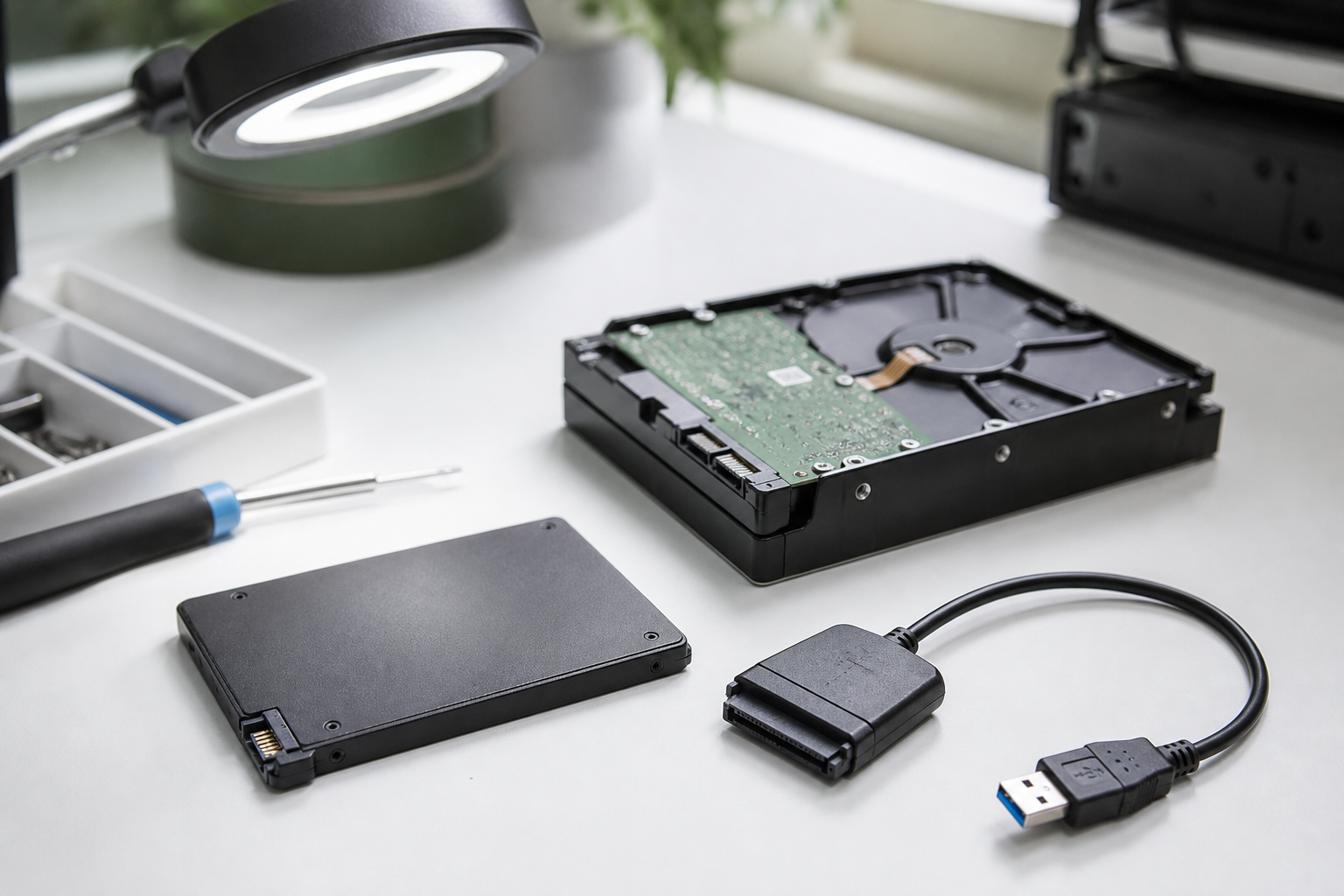
Start with an evaluation before more attempts are made. We assess hard drive repair and SSD recovery options first, then explain what can come back and what to do next.
Searched for hard drive repair in NYC? Start here.
Most people who type “hard drive repair” want the photos, taxes, and work files back — not a dying disk put back into daily service. DriveTech evaluates hard drives and SSDs first at 351 East 82nd Street on Manhattan’s Upper East Side. Same shopfront since 2004. Then we explain recovery options before anything is authorized.
Power it down. Call 212-249-4091 or walk in. Contact.
Hard drive repair vs data recovery (Manhattan / UES)
Hard drive repair and data recovery are not the same job.
Repair language sounds like a part swap: replace the disk and move on. Recovery language is about getting the files off media that may never be trustworthy again. When a drive clicks, won’t mount, isn’t detected, or was formatted by accident, the goal is almost always recovery.
DriveTech’s path is evaluation first, then options. We do not treat a failing platter or a dead SSD like a simple component swap you hope to keep using.
Upper East Side computer shop since 2004, on East 82nd.
Walk-ins from the Upper East Side, Yorkville, the East Side, and nearby Manhattan neighborhoods. Personal machines, externals, and small-office desktops or NAS shares are the usual cases.
Stop now if any of this is true
Power off and stop experimenting if you hit any of these:
Clicking, grinding, beeping, or the drive spinning up over and over
Hard drive not detected, not spinning, or vanishing from Disk Utility / Disk Management
Sudden RAW volume, “initialize disk,” or format prompts
SSD that disappeared without warning
External hard drive that disconnects in a loop
You’ve been powering it on again and again “to see if it works this time”
Someone told you to install recovery software onto the failing volume
The laptop got wet (first hour matters — see Related help)
Continuing usually reduces what can come back. Don’t run repair wizards on a clicking drive. Don’t keep “fixing” it overnight.
Primary next step: power down → call 212-249-4091 or walk in for evaluation.
What we evaluate
Hard drive not detected or not spinning
Electrical, mechanical, or firmware problems each need a different approach. The evaluation is how we tell which path you’re on before anyone authorizes recovery work.
Clicking, grinding, or beeping drives
That’s a mechanical failure in progress. Every power-on can make it worse. Stop using it and bring it in rather than listening to it click through another night.
SSD failure
Solid-state drives fail differently and often without the classic click soundtrack. Controller failures and sudden disappearance are common. SSD data recovery is still an evaluation-first job — not a DIY “just clone it” guess.
Deleted or formatted files
Often recoverable if nothing new has been written since the delete or format. The more you keep using that volume, the less room recovery has.
Corrupted Windows or macOS systems
The computer won’t start, but the data is often intact and separable. Sometimes the story is same-day computer repair if the drive is fine and the board or boot chain is the problem. Evaluation sorts that out.
External drives and USB storage
Often an enclosure or cable/interface failure rather than the platter or NAND itself. We check that before anyone assumes the worst.
Liquid-damaged laptops
Spill cases need speed and a different first-hour checklist. See liquid damage recovery for that path — don’t keep powering a wet machine to “check the files.”
Business servers, NAS, and shared office drives
Treat as an operational emergency. Recovery, restoration, and getting the office working again are three separate problems, and the order matters. No client names or PHI on this page — bring the drive or share and we’ll talk options at the counter.
What to do before you come in
Stop powering the drive or computer
Don’t save anything new to the failing volume
Don’t initialize or format when the OS prompts you
Don’t freeze the drive or open a sealed hard drive
Don’t install recovery tools onto the disk you’re trying to save
Write down the folders and file types that matter most
Bring the drive or whole machine and the correct power adapter
Bring passwords or recovery keys for encrypted volumes (FileVault, BitLocker, and similar)
What we won’t tell you
We will not publish DIY steps for opening a hard drive, running chkdsk on a clicking disk, or a tool recipe that belongs on a blog.
Nobody can promise a recovery before looking at the media. Any shop that quotes a success percentage or guarantees results before evaluation is selling something other than a finding. DriveTech evaluates first and tells you what’s possible in plain English.
No Matrix neon. No invented metrics.
What a visit looks like (UES)
Address: 351 East 82nd Street, New York, NY (Upper East Side) Phone: 212-249-4091
You bring the drive or computer. We evaluate. You get a finding and options before recovery work is authorized. Walk in when you can. Call first if the machine is still powered, you hear clicking, or you need to know what to bring.
Sometimes the evaluation is same-day, sometimes even a few hours, depending on the problem. Not always if the shop is queued. Full recovery can take longer, especially mechanical or partner-lab cases.
Mechanical failures that need cleanroom work are routed to a partner facility. We do not claim an in-house cleanroom.
Ready now: Call 212-249-4091 · Contact DriveTech · Home
Common questions
Is hard drive repair the same as data recovery?
Usually no. “Hard drive repair” searches often mean a drive that clicked, won’t mount, or failed — and the real goal is getting the files back. DriveTech evaluates the drive first at 351 East 82nd Street on the Upper East Side and focuses on recovery options rather than treating a dying disk like a simple part swap.
Should I keep using a clicking or failing hard drive?
No. Power it down and stop running repair tools on it. More power-on time can make mechanical damage worse and reduce what can be recovered. Call 212-249-4091 or walk in for an evaluation before trying DIY fixes.
Can you tell me whether my files are recoverable before I commit?
That’s what the evaluation is for. You get a finding and options before any recovery work is authorized.
Do you send drives to a cleanroom?
Yes. Mechanical failures that require cleanroom work are routed to a partner facility. We do not pretend every case stays on the bench at East 82nd.
Can you recover encrypted or FileVault drives?
Yes when the customer provides the password or recovery key. Without the key, encryption does its job — we can’t invent a bypass.
What about SSD data recovery vs hard drives?
Both are evaluation-first. HDDs often warn with clicks and grind; SSDs often vanish or fail the controller with less drama. The visit starts the same way: stop writing, bring it in, get a finding.
Deleted or formatted — can files still come back?
Often yes if the volume hasn’t been heavily reused. Every new write lowers the odds. Power down and evaluate before “just trying one more tool.”
What if the computer won’t boot but the files might be fine?
Sometimes the drive is healthy and the board, power, or OS is the problem. That’s when we point to same-day computer repair instead of a recovery path. Evaluation is how we avoid the wrong job.
How long does this take?
Sometimes the evaluation is same-day, sometimes even a few hours, depending on the problem. Not always if the shop is queued. Full recovery can take longer, especially mechanical or partner cleanroom work. You get timing after we see the media.
What happens if recovery isn’t possible?
If no data is recovered, there is no recovery charge. You still get an honest finding from the evaluation.
Can I walk in?
Yes. Walk-ins are welcome for hard drive and SSD evaluation on the Upper East Side. Call 212-249-4091 if you’re unsure what to bring or the drive is still powered and clicking.
Related help
Same-day computer repair — won’t boot / board issues when the drive may be fine
Malware removal — infection or ransomware when cleanup and files both matter
Laptop repair — hardware after the data is secure
Liquid damage recovery — spills; first-hour path
Contact · Home
Call 212-249-4091 · Walk in at 351 East 82nd Street, Upper East Side. Start with an evaluation before more attempts are made.