Tell us what happened.
Describe what you saw, heard or were trying to do. You do not need the technical name for the problem.
Your computer may not start, your Mac may have gone dark, your gaming computer may be acting up, or a security warning may have appeared on your screen. You do not need to know the technical cause before you contact us.
A DriveTech diagnosis finds the problem, explains what we found and gives you clear options. We repair PCs and Macs, repair gaming laptops and desktops, recover data, remove malware and install firewalls for homes and professional offices. We examine the device, explain what we find and provide an estimate before repair work begins.
4.9 ★ · Over 300 Google reviews · Serving the Upper East Side since 2004 · Walk-ins Monday–Friday, 9–6
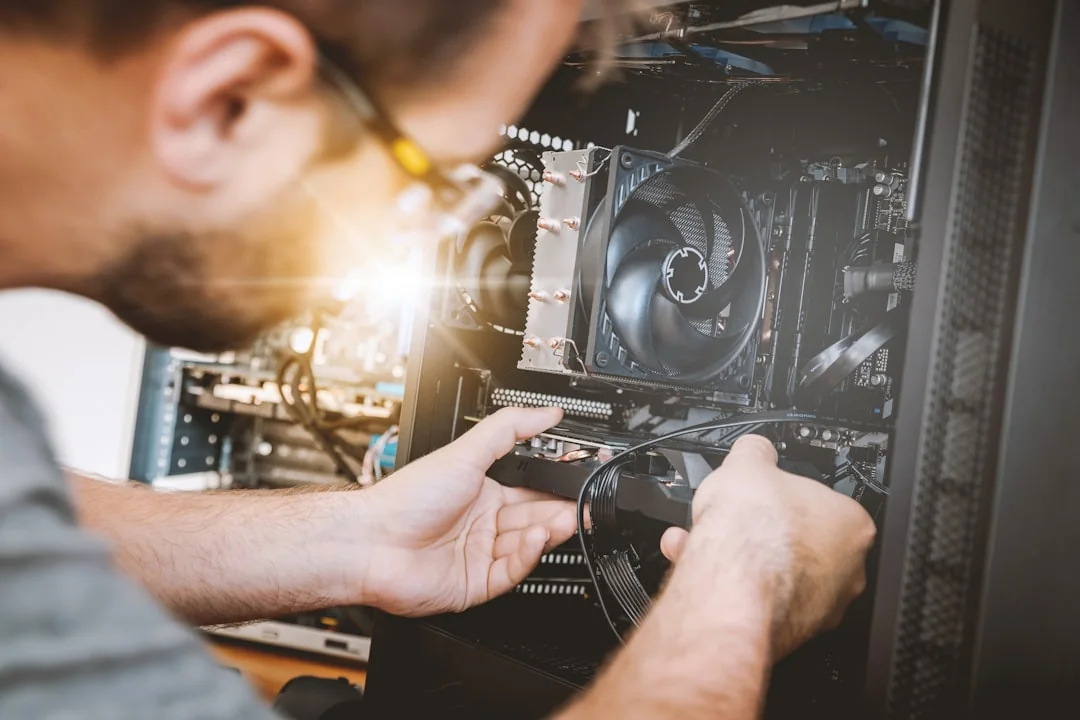
Many systems that appear dead, extremely slow, or unreliable can be repaired, upgraded, or recovered for significantly less than replacement. DriveTech works with Windows PCs, MacBooks, iMacs, laptops, desktops, storage devices, networks, and business technology.
You do not need to choose the perfect service or know which part failed. Pick the closest match, tell us what happened and we will determine where to start.
Windows laptops and desktops that will not turn on, will not boot, crash, freeze, overheat, charge incorrectly or run painfully slowly. We diagnose hardware, storage, power, operating-system and performance problems before recommending major work or replacement parts. We repair laptop and desktop screens for most makes and models, subject to replacement-part availability.
Computer and Laptop Repair → Apple computersMacBook Pro, MacBook Air and iMac service for startup problems, batteries, screens, liquid damage, storage, charging and performance problems. We also help move data to a replacement Mac when the original computer can still be accessed.
Mac repair → Security cleanupHelp with scam pop-ups, browser redirects, malware, suspicious remote access, unfamiliar programs and accounts that may have been compromised. A computer that behaves strangely is not always infected; failing hardware can look like malware. We examine the computer, explain what we find and discuss the safest next step before we clean or change anything.
Malware removal → Protect the files firstFailed hard drives and SSDs, external drives, deleted files, damaged file systems and computers that no longer start. After examining the device, we explain what may be recoverable and what the safest next step is. Recovery depends on the type of failure and what has already been tried.
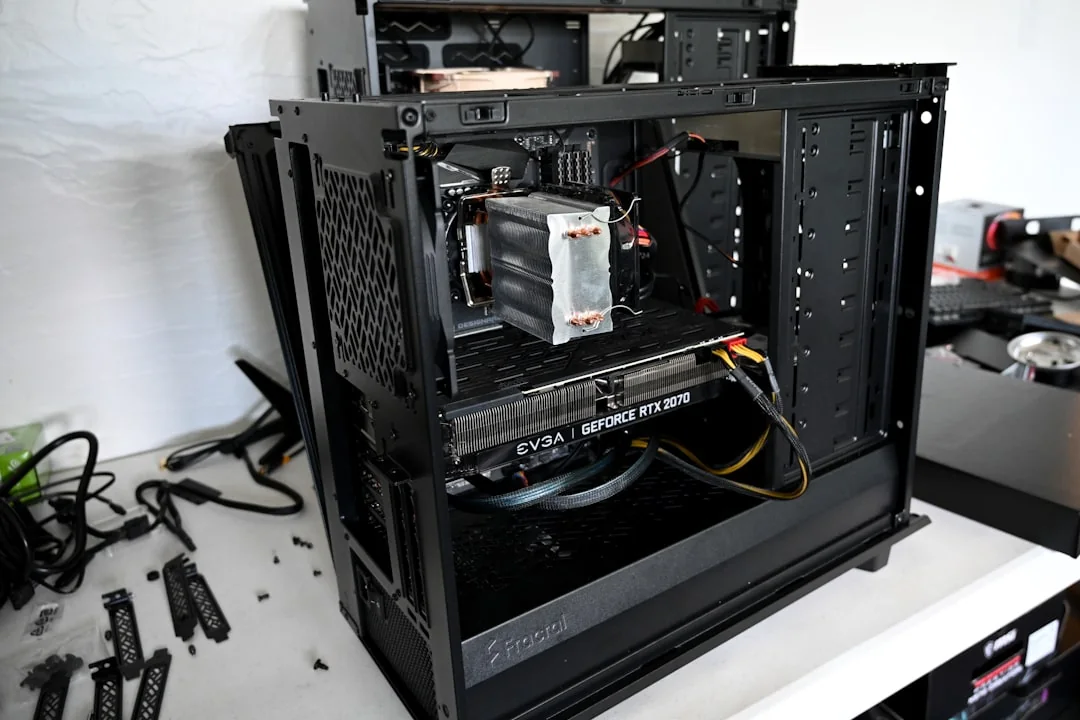
Data recovery help → Gaming PCsWe diagnose and repair gaming laptops, gaming desktops and custom-built PCs of any brand. Whatever the symptom, we examine the complete system, find the cause and explain the repair or upgrade options. We also perform upgrades, custom builds, thermal service and component replacement when parts are available. First-time builders are welcome.
Tell Us What Happened → Homes & officesFirewall installation and configuration, secure Wi-Fi, separate work and guest networks, secure remote access, Microsoft 365, Google Workspace, backups, new-computer setup and technical support for homes, medical offices, law firms and other professional offices.
Firewalls and networking →Set the original device aside and do not use it. Do not erase it, reformat it or install recovery software onto it. Continued use can make the damage worse.
A firewall should fit the way the network is actually used. A medical office, law firm and home do not have the same computers, Wi-Fi, remote-access needs or risks.
We start by looking at what is connected: computers, printers, phones, cameras, storage, smart devices and anything else using the network. We then recommend and configure the firewall and network settings that fit the environment, and explain what they do in plain language.
Local. Experienced. Able to solve difficult technology problems.
Describe what you saw, heard or were trying to do. You do not need the technical name for the problem.
A DriveTech diagnosis looks for the cause instead of assuming the first visible symptom is the whole problem.
We tell you what the evidence shows, what your practical options are and whether repair, recovery, an upgrade or replacement makes more sense.
We examine the device, explain what we find and provide an estimate before repair work begins. If a repair requires specialized equipment or an outside repair facility, we explain why, discuss the additional cost and get your approval before sending the device anywhere.
Real feedback from repair customers. Public review excerpts are shown word for word and link to DriveTech's public review listing.
★★★★★“Excellent quick service at reasonable prices.”
★★★★★“Saved me a lot of time and buying a new computer!”
★★★★★“Left the store after 30 mins with a working laptop and all of the data the Apple Store thought I had lost.”
4.9 ★ · Over 300 Google reviews
DriveTech is located on Manhattan's Upper East Side, convenient to Yorkville, Carnegie Hill, Lenox Hill, Midtown East and the East 70s, 80s and 90s. Customers come to DriveTech from across New York City and the surrounding area, including Brooklyn and New Jersey, for advanced repair and data recovery.
DriveTech, Inc. · 351 East 82nd Street · New York, NY 10028 · 212-249-4091 · Monday–Friday, 9:00 AM–6:00 PM
Walk-ins are welcome Monday–Friday, 9–6. Call first if your data is at risk, liquid was spilled, a drive is making unusual noises, or you want to discuss a custom computer or firewall project.
Call if the computer contains important data, has liquid damage, or is making unusual mechanical sounds.
Yes. We diagnose and repair Windows laptops and desktops, MacBooks, iMacs, gaming laptops and desktops, and custom-built PCs. That includes storage, startup, battery, charging, overheating, screen, operating-system and performance problems. We repair laptop and desktop screens for most makes and models, subject to replacement-part availability.
Yes. We work on MacBook Pro, MacBook Air and iMac computers, including startup problems, batteries, screens, liquid damage, storage and transferring data to another Mac.
We help with malware, scam pop-ups, suspicious remote access, unfamiliar programs, compromised email or online accounts, security checkups and recovery after something has gone wrong. For offices, we also offer email security, secure Wi-Fi, firewalls and backups.
Yes. We examine what is connected to the network, then install and configure a firewall to fit the environment. Available options include separate work and guest networks and secure remote access. Contact DriveTech to discuss business IT, Microsoft 365, Google Workspace, firewalls, backups and cybersecurity support.
Yes. We diagnose and repair gaming computers of any brand, including custom-built systems. Because gaming computers can develop many different hardware, software, power, cooling and performance problems, we examine the complete system instead of assuming one component is responsible. We then explain what we found and discuss the repair or upgrade options.
We work on failed hard drives, SSDs, external drives, deleted files, corrupted systems and computers that will not start. After examining the device, we explain what may be possible. The result depends on the failure and what has already been tried. No recovery result is guaranteed before evaluation.
Timing depends on the problem, parts availability and whether specialized work is required. Some straightforward repairs may take one or two business days, while complicated or parts-dependent jobs can take several weeks or longer. After examining the device, we provide an estimated timeframe and let you know if it changes.
If a repair requires specialized equipment or an outside repair facility, we explain why, discuss the additional cost and get your approval before sending the device anywhere.
Sometimes. A compatible computer may benefit from an SSD, additional memory, a software repair, cleanup or data transfer. We check the model and its condition before recommending an upgrade.
Walk-ins are welcome Monday–Friday, 9–6. Call first if the problem is urgent, data is at risk, liquid was spilled, or the device is making unusual mechanical noises.
Yes. We help both businesses and individuals. Repair and data recovery are handled through the shop. Contact DriveTech to discuss business IT, Microsoft 365, Google Workspace, firewalls, backups and cybersecurity support. Ongoing and monthly support is available.
DriveTech is at 351 East 82nd Street, New York, NY 10028, on Manhattan's Upper East Side. Customers come to DriveTech from across New York City and the surrounding area, including Brooklyn and New Jersey, for advanced repair and data recovery.
Tell us what happened: the laptop that will not start, the MacBook that went dark, the pop-up asking for money, the gaming computer that is acting up, the drive making strange noises or the office network nobody has reviewed in years. We will examine the problem, explain what we find and provide an estimate before repair work begins.
351 East 82nd Street, New York, NY 10028 · Monday–Friday, 9:00 AM–6:00 PM